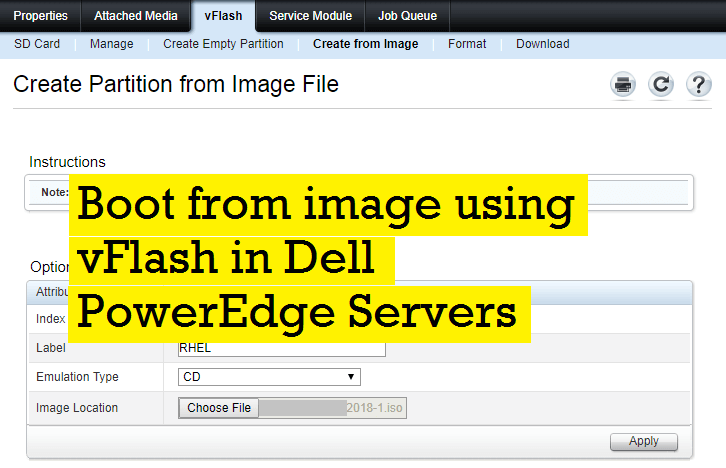
I have explained how to to use vFlash card as an easy boot method here . If you are not able to see a vFlash card (or vFlash card tab is missing in iDRAC screen GUI), then it might be due to vFlash not enabled and configured in iDRAC. You can easily enable the vFlash card via iDRAC settings as I explained below.
Verify the card is installed; in iDRAC GUI -> Hardware -> Removable Flash Media.

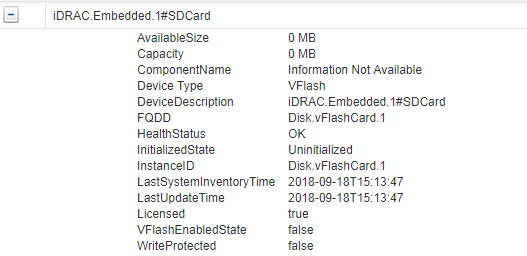
Confirm the details from iDRAC system inventory. in iDRAC GUI -> Server -> Properties -> System Inventory
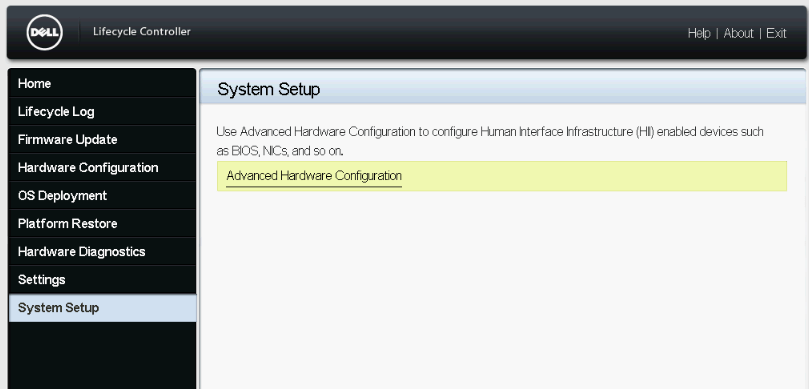
Then reboot server and press F11 during post. Click System Setup -> Advance Hardware Configuration
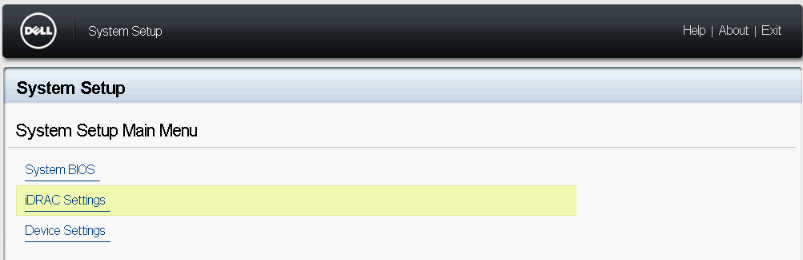
Click iDRAC Settings
Click Media and USB Port Settings
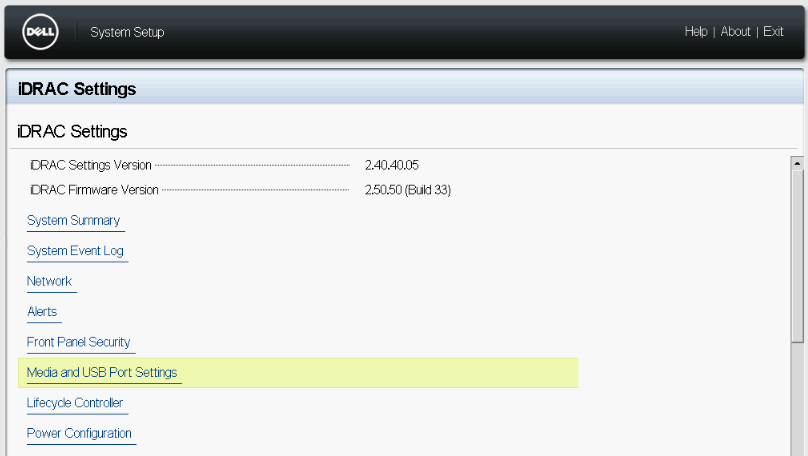
Enable vFlash as below.
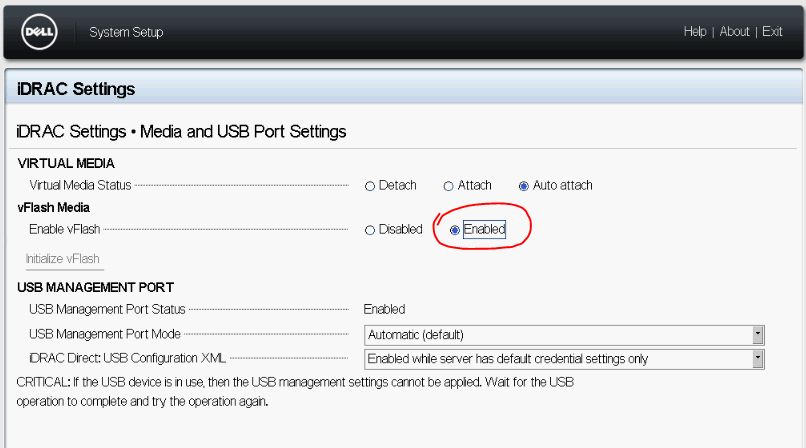
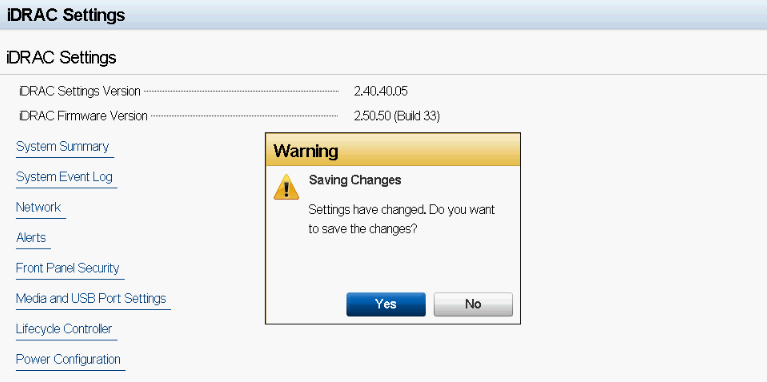
Click Back and Finish . Save configuration when ask.
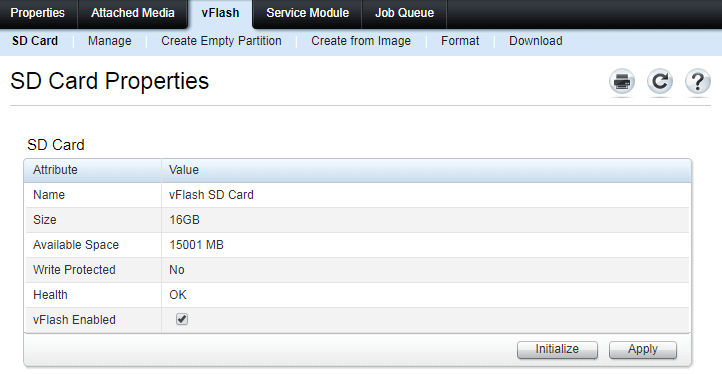
Now go and check vFlash tab on main page of iDRAC GUI.

Gineesh Madapparambath
Gineesh Madapparambath is the founder of techbeatly. He is the co-author of The Kubernetes Bible, Second Edition and the author of Ansible for Real Life Automation. He has worked as a Systems Engineer, Automation Specialist, and content author. His primary focus is on AI, Ansible Automation, Containerization (OpenShift & Kubernetes), and Infrastructure as Code (Terraform). (Read more: gineesh.com)



 Editorial