How To

Running Ansible through SSH Jump / Bastion Host
 Shibin John
In a strict secured environment, you may not be allowed perform tasks freely. Only the bastion host (a.k.a jump host) is the one freely allowed...
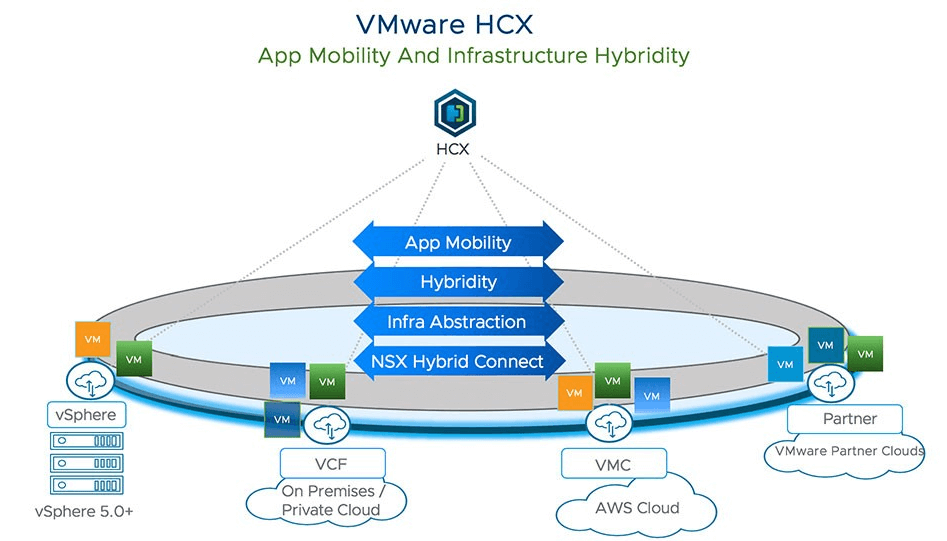
VMware HCX – Installation
I had been using several migration tools. However VMware HCX ( Hybrid Cloud Extension ) has some unique feature that allows end user to …

How to Request Resource Quota Increase in Microsoft Azure
 Gineesh Madapparambath
As we know public cloud is offering unlimited* amount of resources and as an end user of public cloud we don’t need to worry about...
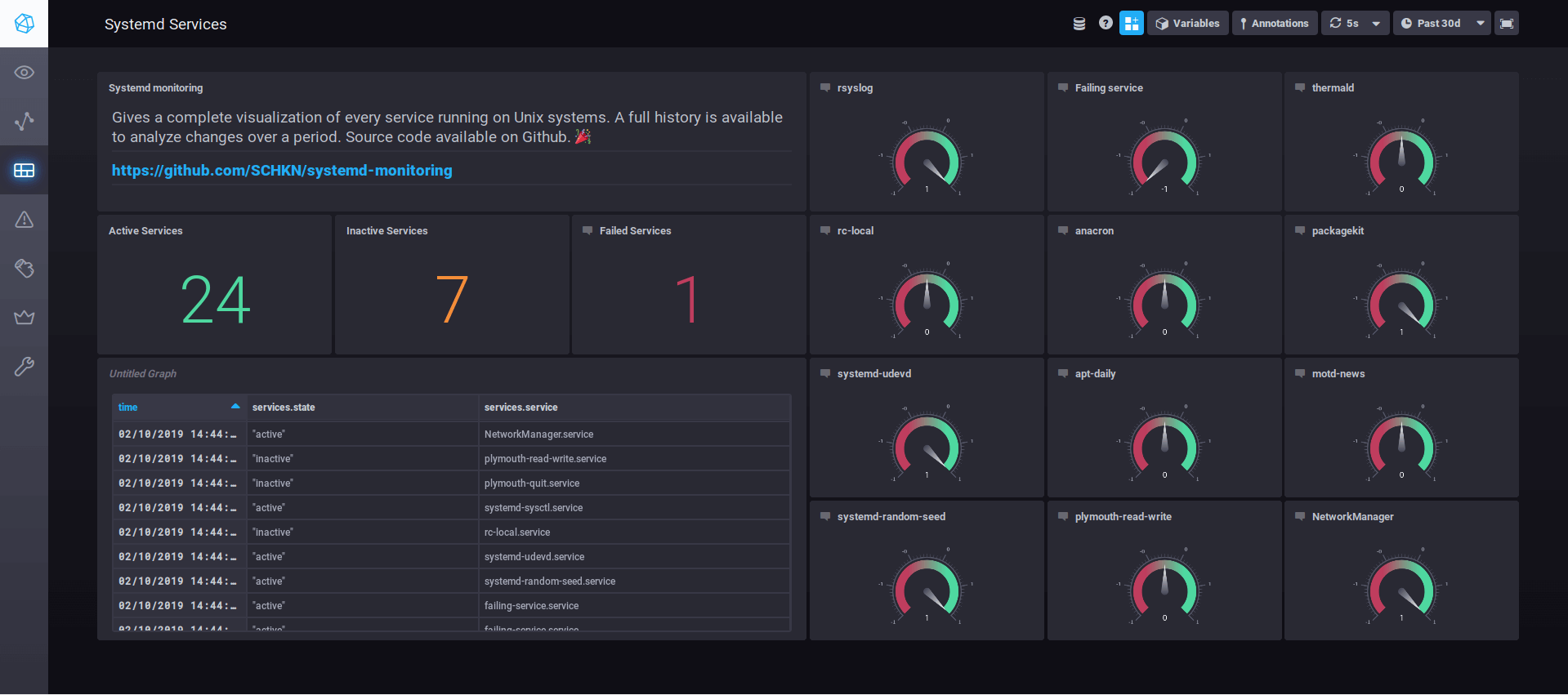
Configure TLS Encrypted Tunnel For Remote Logs Using Syslog-ng
You might be a Sysadmin, developer, DBA or whatever, logs are like treasure boxes for anyone working in IT. And the best practice to keep...

HTTP Status Codes- Quick Reference
You are browsing some sites or testing your own web applications, and suddenly you receive a white screen with some error number ! No worries,...

vCSA Automated Backup
vCenter 6.5 backup using cron job We all know that vCenter appliance can be backed up using its GUI window to any external servers or...

Mounting NFS share from Linux to Windows server
Servers used: RHEL 7.6 as NFS server & Windows 2016 as NFS Client In this scenario, we have NFS server up and running with shares...
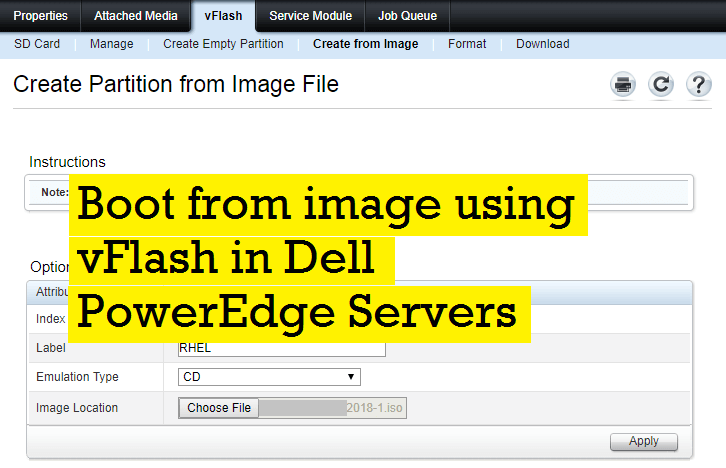
Boot from image using vFlash in Dell PowerEdge Servers
Dell iDRAC is a feature-full server remote administration tool but iDRAC is missing the very basic functionality to boot from a ftp or http based...
How to Find the HBA/Fibre Channel Cards, Ports and WWN in Linux
Find HBA/Fibre Channel Card installed # lspci -nn |egrep -i "fibre|hba" 04:00.0 Fibre Channel [0c04]: Emulex Corporation Saturn-X: LightPulse Fibre …